Electronic signature for businesses in Girona: digitise contracts and documents with eFirma GO
Printing a contract, sending it by email, waiting for the customer to sign it, chasing it if it does not come back, scanning it and filing it again. Even today, many businesses still work this way with quotations, contracts, consent forms, authorisations and other documents.
When it is only an occasional document, this may seem manageable. But when the same process is repeated every day with several customers, suppliers or employees, it quickly leads to wasted time, manual follow-up and documents scattered across emails, folders and devices.
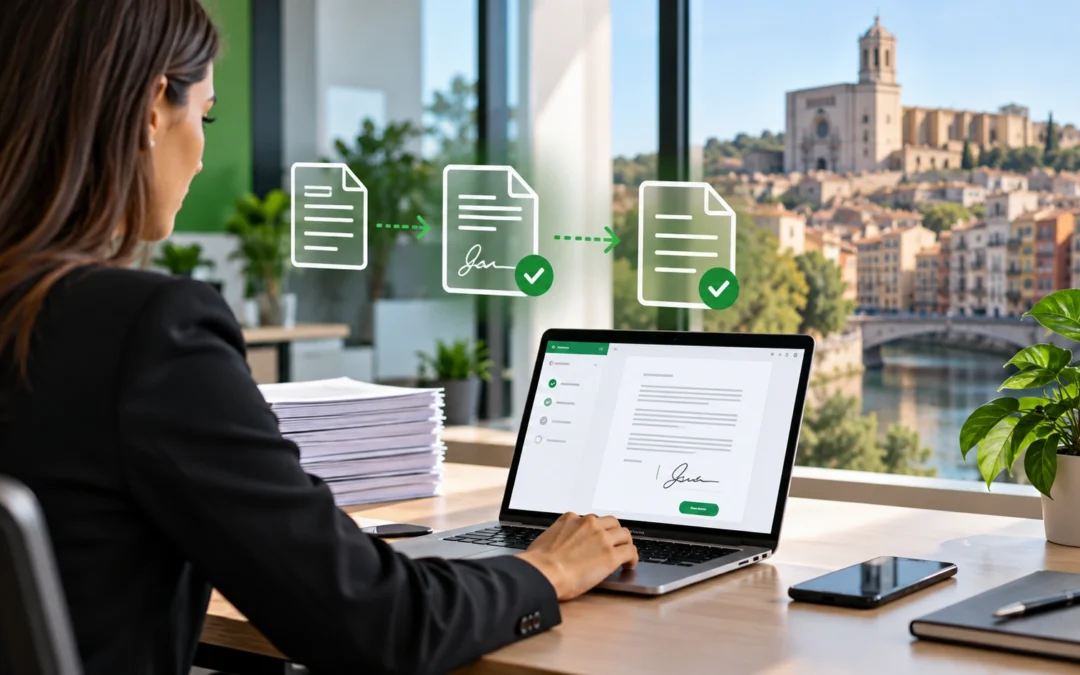
Electronic signatures for businesses make it possible to simplify this process and manage it digitally. With eFirma GO, companies can send documents for signature, track their status and manage the entire process from a single environment.
What problem does electronic signing solve?
In many businesses, the problem is not creating the document, but everything that happens afterwards.
For example, a sales representative prepares a quotation, sends it to the customer, waits for it to be signed and then has to check whether it has been returned. Human resources may need the signature of an employment contract or authorisation. A clinic may manage consent forms. An advisory firm may need approvals or signed documentation from its clients.
When all this is handled manually, businesses can easily end up relying on emails, phone calls, reminders and individual follow-up.
With an electronic signature platform, much of this process can be centralised and managed more efficiently.
What is eFirma GO?
eFirma GO is an electronic signature platform that allows documents to be sent to one or more people so they can review or sign them digitally.
The recipient can access the document from a computer, mobile phone or tablet, without both parties having to be physically in the same place.
For the business, this provides greater control over the process and helps reduce manual tasks related to sending and tracking documents.
How does eFirma GO work?
The process is simple and can be adapted to different types of documents and workflows.
- Prepare the document that needs to be sent.
- Add the recipients who need to sign, review or receive it.
- Send the signing process to the participants.
- Track the document status until the process is completed.
This helps reduce processes where someone has to manually check whether a document has been opened, signed or returned.
One-click, biometric or certificate-based signatures
Not every document requires the same type of signature. For this reason, eFirma GO offers different signing methods depending on the needs of each process.
- One-click signature, designed for simple and fast processes.
- Biometric signature, allowing the recipient to provide a handwritten signature on the device.
- Qualified signature with a digital certificate, for processes that require this type of identification.
Before implementing an electronic signature solution, it is important to analyse which types of documents the business manages and which signing method is appropriate for each process.
Multiple signers on the same document
A business contract or document may require more than one signature. In some cases, one person may also need to review the document before it reaches the final signer.
eFirma GO allows businesses to define multiple recipients and assign different roles within the process.
A signing order can also be established, allowing the document to move from one person to the next according to the defined workflow.
Know which documents are still pending
One of the most common problems with manual document management is losing time checking what is still pending.
With eFirma GO, businesses can check the status of each process and access more information about the document workflow.
This makes follow-up easier and helps reduce the typical emails asking “we sent you the document”, “have you had a chance to review it?” or “we are still waiting for your signature”.
Reminders for pending documents
When a recipient has not yet completed the process, eFirma GO allows businesses to use reminders to make follow-up easier.
An expiry date can also be defined so the process is only available for a specified period.
These features can be particularly useful for businesses that manage a high volume of documentation.
What types of businesses can use eFirma GO?
Electronic signatures are not only for large companies. They can be useful for any organisation that regularly sends documents and needs customers, employees or partners to sign them.
Common examples include:
- Businesses with sales teams.
- Human resources departments.
- Advisory and administrative firms.
- Professional practices.
- Clinics and healthcare centres.
- Real estate companies.
- Educational centres.
- Service companies.
- Logistics companies.
Contracts and quotations for sales teams
One of the clearest use cases is the sales team.
When a customer accepts a proposal, the next step may involve signing a quotation, order or contract.
Digitising this process makes it possible to send the document to the customer and track it without having to manage the entire workflow manually.
Electronic signatures for human resources
Human resources departments also manage large amounts of documentation that may require signatures.
Employment contracts, internal documentation, authorisations and other processes can move from a paper- and email-based system to a more digital and centralised workflow.
Consent forms, authorisations and professional documentation
Clinics, professional centres, advisory firms, real estate companies and service businesses regularly work with documents that require customer approval or signature.
In these cases, electronic signatures can simplify the process without requiring the customer to travel in person simply to sign a document.
Integration with Microsoft 365
eFirma GO can work with documents from the Microsoft environment, including OneDrive and SharePoint.
This can be particularly useful for businesses that already use Microsoft 365 and keep part of their documentation centralised on these platforms.
The solution also provides an API, making it possible to assess potential integrations with other applications and business processes.
It is not just about using less paper
Implementing electronic signatures is not simply about replacing a handwritten signature on paper.
The greatest benefit comes from simplifying the whole process around the document: preparing it, sending it, tracking its status, reminding recipients about pending signatures and knowing when the process has been completed.
It is a good example of how digitising small repetitive processes can have a direct impact on the day-to-day operation of a business.
Try eFirma GO for free
eFirma GO offers a 15-day free trial that allows businesses to manage up to 20 documents without entering payment card details.
This makes it possible to test the platform with real processes before deciding whether it is the right solution for the business.
eFirma GO with R-Systems Girona
At R-Systems Girona, we help businesses digitise processes and implement technology solutions adapted to the way they work.
We can help you review how your business currently manages documents, identify which processes can be simplified with electronic signatures and assess the best way to implement eFirma GO.
We can also review potential integrations with Microsoft 365 or other tools already used by your business.
Looking for an electronic signature solution for your business in Girona?
If your business currently sends contracts, quotations, consent forms, authorisations or other documents that require signatures, we can help you assess how to digitise the process.
Explore all the information about eFirma GO and discover how the platform works.
If you would like to tell us about your case, contact R-Systems Girona and we will review which option best fits the way your business works.


