
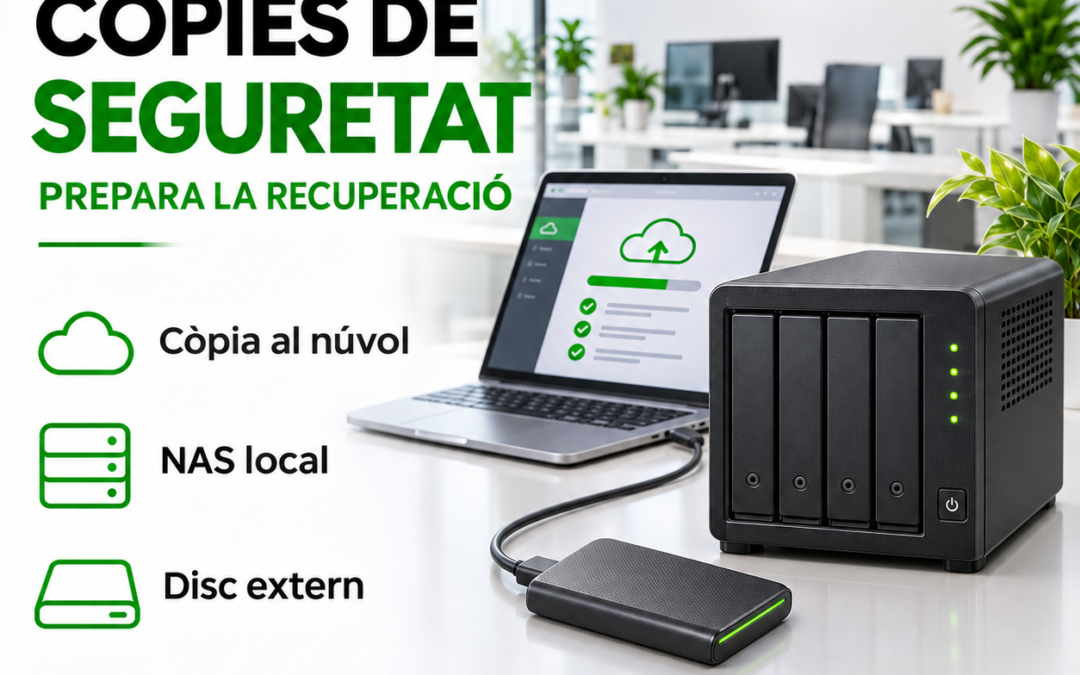
If your invoicing folder became unavailable tomorrow, who could restore it and how long would it take? First identify the data you need to keep working and the equipment or services that hold it.
What does each option provide?
- Cloud backup. Keeps a copy away from your premises. Review available versions, access controls and download time.
- Local NAS. Can centralise backups at your business. Configure jobs, permissions and retention, and check whether an incident affecting computers could also affect backups.
- External drive. Can support a rotation plan. Decide who connects it, when it is disconnected and where it is stored.
Check what is covered
List folders, applications and cloud-service data. Synchronisation may propagate changes or deletions, so check your actual recovery options. Multiple disks in a NAS do not establish that a restorable backup exists.
Test restoration
Restore a test file to another location. Check its contents and version, record how long it takes and confirm the responsible person has the required access. Repeat after significant changes.
RSystems Girona can help review cloud, NAS and external-drive backups and plan a recovery test that fits your business.


